SEO for Small Businesses: A Practical UK Guide (With Leicestershire and Newcastle Examples)
By Junaid Mazhar
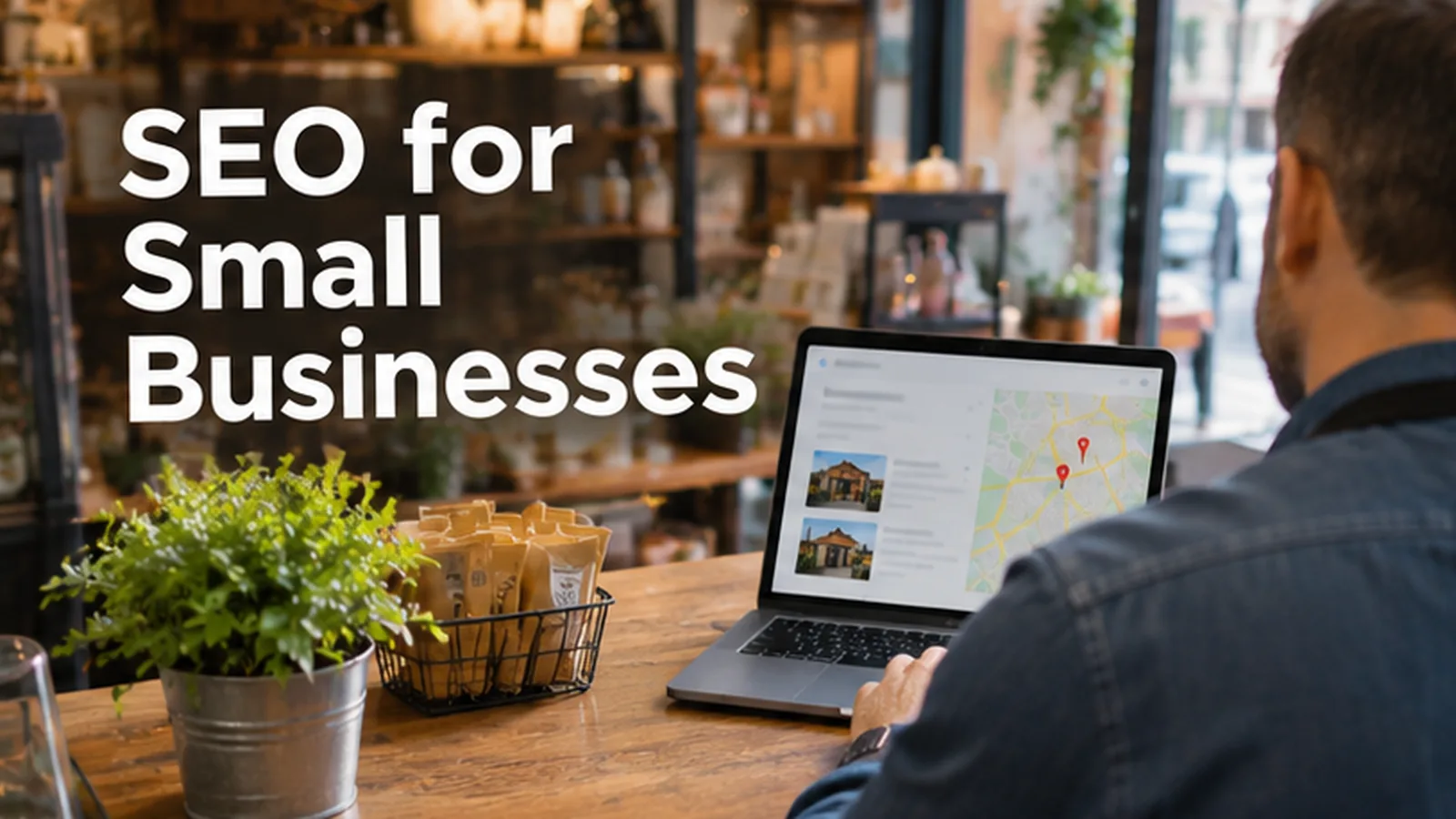
If you run a small business in the UK, SEO can feel like a job for someone with a big budget and a technical team. It is not. For most small firms, good SEO is a short list of practical jobs done properly and kept up to date: a complete Google Business Profile, clear pages for each service, useful answers to the questions customers already ask, and a simple way to measure what is working.
This guide walks through that list in a sensible order. It uses two examples from our own search data, a business in Leicestershire and a business in Newcastle, to show how the same steps apply in different places. There are no ranking promises here and no invented figures. Search engines decide rankings, and anyone who guarantees a position is guessing.
Short answer: what SEO means for a small business
SEO (search engine optimisation) is the work of making your business easier for search engines to understand and easier for people to choose. For a small business, that usually comes down to four things:
- Local visibility. Showing up in Google Maps and the local results when people nearby search for what you do.
- Clear service pages. One page per main service, written for the people who buy it, with the places you serve.
- Helpful content. Straight answers to common questions, written by people who know the work.
- Measurement. Knowing which searches bring visits, calls and enquiries, so you can do more of what works.
Most small businesses do not need hundreds of blog posts or complex technical projects to start. They need the basics done thoroughly and checked regularly.
Start with how Google ranks local results
Google publishes its own guidance on local ranking. In its Business Profile help pages, Google says local results are based mainly on relevance (how well your profile matches the search), distance (how far you are from the searcher or the location in the search) and prominence (how well known your business is, which can include reviews, links and articles about you).
That is useful for a small business because it tells you where to put effort:
- Relevance improves when your profile, categories and website clearly describe what you actually do.
- Distance is mostly outside your control, but you can make your address or service area accurate.
- Prominence grows over time through genuine reviews, a well-maintained website and being mentioned by real local sources.
Google also says there is no way to pay for a better local ranking. Be wary of anyone who sells guaranteed Maps positions.
Step 1: Set up your Google Business Profile properly
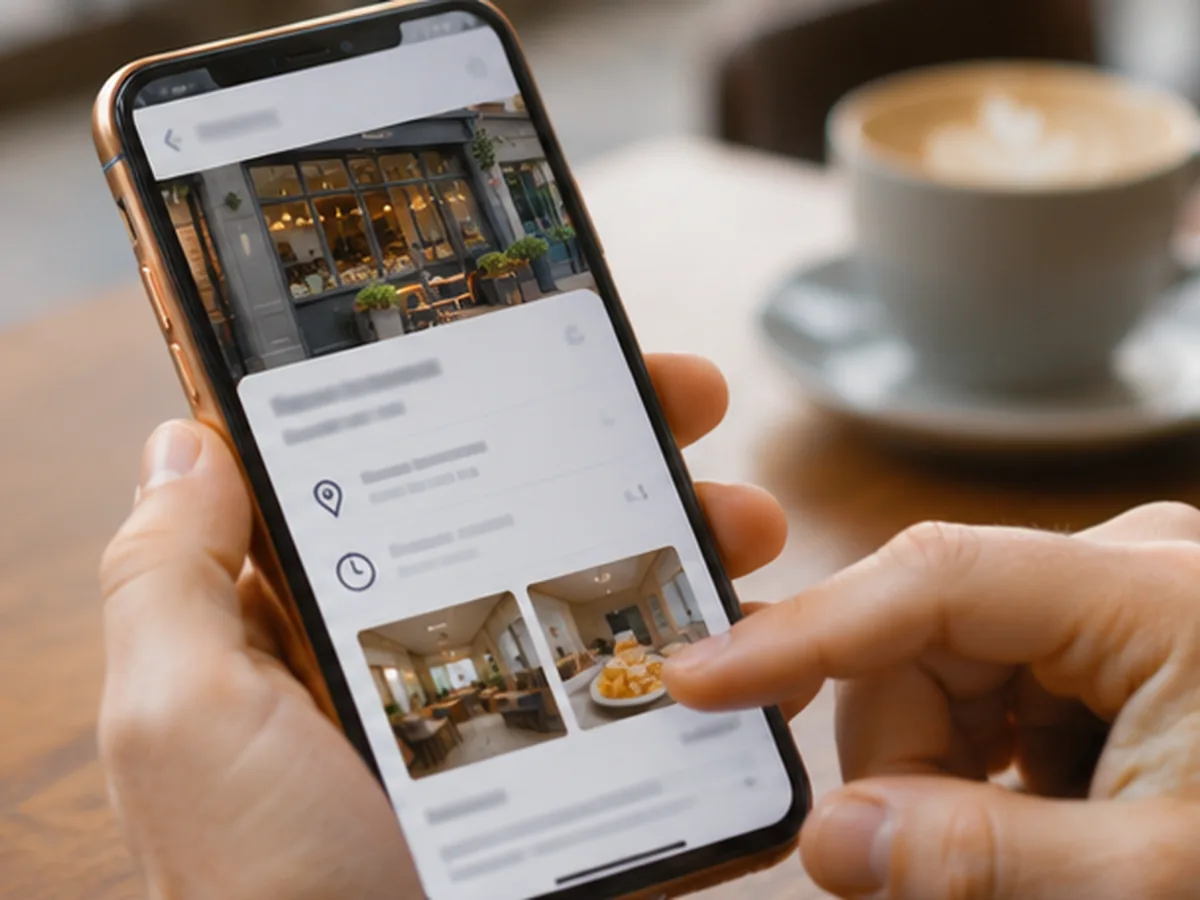
For many small businesses, the Google Business Profile is the first thing a customer sees. Treat it as a second shopfront.
A practical checklist:
- Claim and verify the profile, and make sure you (not a former supplier or employee) own it.
- Use your real business name. Google's guidelines ask you to use the name you use in the real world, without extra keywords or locations stuffed in.
- Choose the most specific primary category that describes your main service, and add secondary categories only if they are genuinely true.
- Set accurate hours, including bank holidays and any changes. If you work around the clock, say so; if you do not, do not.
- Add your service area or address exactly as it should appear, and keep it consistent with your website.
- Fill in services and products with plain descriptions.
- Add real photos of your work, team, vehicles or premises. Avoid stock images that do not show your business.
- Link to the most relevant page on your website, not always the homepage.
Revisit the profile whenever something changes. Out-of-date hours or phone numbers lose enquiries quickly.
Step 2: Build one clear page for each main service
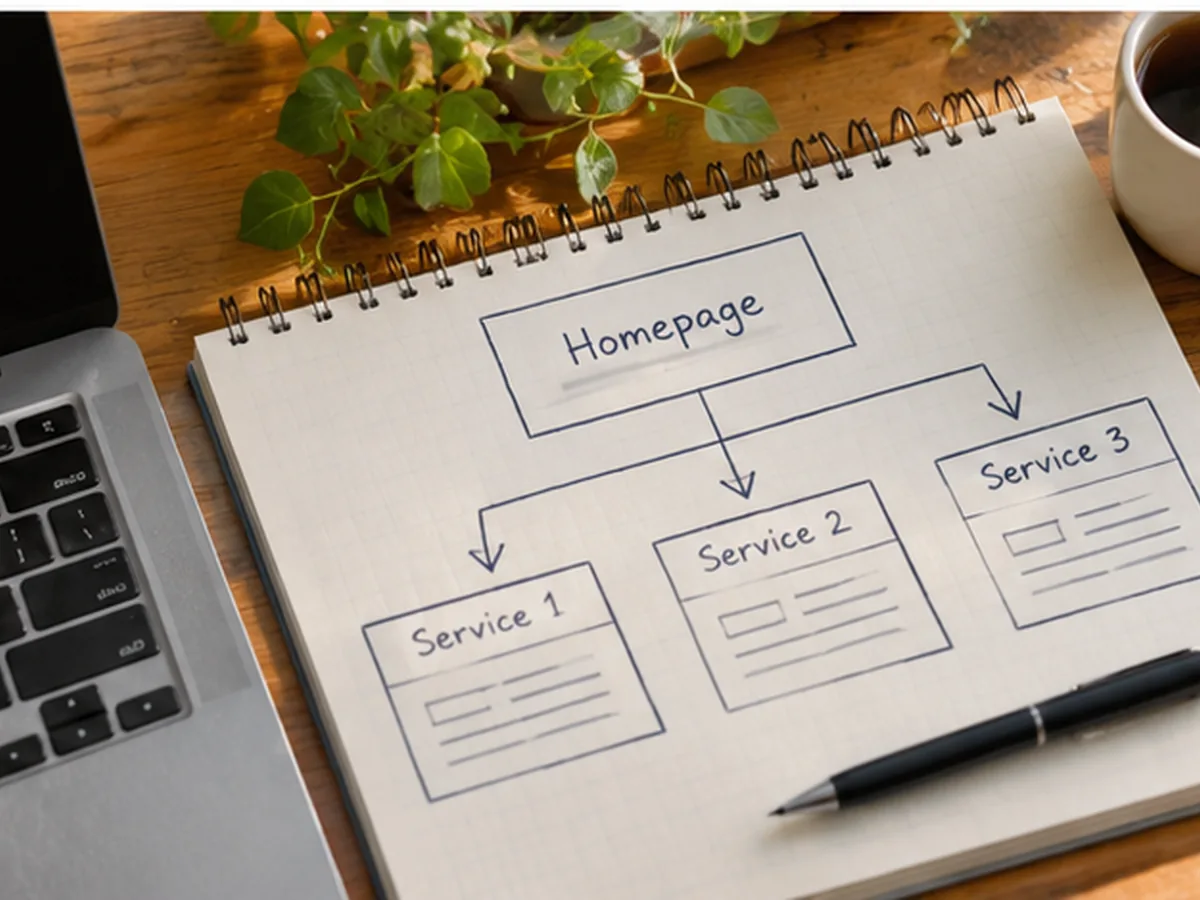
A common small-business website has a homepage, an "About" page and a single "Services" page listing everything. That makes it hard for search engines, and for customers, to match a specific search to a specific answer.
A better structure is one page for each main service. Each page should explain:
- what the service is and who it is for;
- what is included and what is not;
- how the process works, from first contact to finished job;
- the areas you serve;
- honest answers to the questions you hear most often;
- a clear way to get in touch.
Write in the words your customers use. If people ask for "boiler servicing", do not call the page "thermal system maintenance". Use a clear page title and a heading that says what the page is about. Keep each title unique; Google's own documentation on title links recommends descriptive, concise titles and warns against repeating the same boilerplate across pages.
If you serve several towns, only create location pages where you can say something genuinely useful about working there. Thin pages that swap one town name for another rarely help anyone.
Step 3: Get the technical basics right (without over-engineering)
You do not need to become a developer, but a few technical checks matter for almost every small business website:
- Mobile first. Google uses the mobile version of your site for indexing and ranking. Check that text is readable, buttons are easy to tap and forms work on a phone.
- Indexing. Make sure the pages you want found are not blocked from search. Google Search Console shows which pages are indexed and flags problems.
- Speed and stability. Large images and heavy page builders slow sites down. Compress images and remove plugins you do not use.
- Secure site. Use HTTPS across the whole site.
- Clean contact details. Your name, address (if you show one) and phone number should match your Business Profile.
If your site is already live but not appearing, our guide on why a business is not ranking on Google covers the most common causes in more detail.
Step 4: Write content that answers real customer questions
Content for a small business is not about volume. It is about answering the questions that come before a purchase. Good sources of ideas include:
- questions customers ask on the phone or by email;
- the search queries already listed in Google Search Console;
- the "People also ask" questions that appear for your main services;
- the objections that stop people booking (price ranges you can genuinely give, timescales, what happens if something goes wrong).
Google's guidance on helpful content asks whether a page was written for people first, shows real experience, and leaves readers feeling they have learned enough to act. For a small business, that is an advantage: you know your work better than any generic content writer does.
AI search features are also changing how answers appear. Clear, well-structured pages with direct answers tend to be easier for both traditional search and AI-driven results to use. Our explainer on what AI SEO is covers this in more depth, and answer engine optimisation (AEO) looks at it from a Leicester business point of view.
Step 5: Ask for reviews the right way
Reviews can contribute to prominence, and they help customers decide. Google's review policies say reviews must reflect a genuine experience and that offering incentives in exchange for reviews is not allowed.
A simple, honest approach:
- ask customers after a job is finished, while the experience is fresh;
- make it easy with a direct link to your review form;
- reply to reviews, both positive and negative, politely and specifically;
- never buy reviews, write your own, or offer discounts for them.
Step 6: Measure what matters

You cannot improve what you do not measure. Two free tools cover most of what a small business needs:
- Google Search Console shows the searches your site appears for, clicks, impressions and average position, plus indexing problems.
- Google Analytics 4 shows what visitors do on your site, including enquiries and calls if you set those up as key events.
Track a small number of meaningful actions: calls, form submissions, bookings or quote requests. Rankings alone do not pay the bills. If visits are arriving but enquiries are not, read our guide on SEO conversion rate to work out where people drop off.
Be patient. SEO changes often take weeks or months to show in search results, and results vary by industry, location and competition.
Example 1: a small business in Leicestershire
Our own search data includes queries such as "SEO for small businesses in Leicestershire" and "digital marketing for small businesses Leicestershire". Imagine a small home-services business covering Leicester and surrounding towns.
A sensible plan would look like this:
- Profile first. Verify the Business Profile, set the service area to the towns actually covered, choose the most specific category and add real job photos.
- Service pages. Create one page per main service, each mentioning the parts of Leicestershire served, with honest answers on timescales and what customers need to prepare.
- Local content. Write a few genuinely useful guides, for example seasonal advice or "what to expect" explainers, rather than dozens of near-identical town pages.
- Reviews. Ask every satisfied customer and reply to every review.
- Measurement. Track calls and form enquiries in GA4 and check Search Console monthly.
If you are comparing outside help in the area, our checklist on how to choose an SEO agency in Leicester lists the questions worth asking. You can also see how we work with businesses in Leicester.
Example 2: a small business in Newcastle
Our data also shows searches such as "SEO for small business Newcastle". Picture an independent professional service, such as a bookkeeping practice, serving Newcastle upon Tyne and Gateshead.
The steps are the same, but the details change:
- the Business Profile should reflect whether clients visit an office or the business works remotely;
- service pages might cover bookkeeping, payroll and year-end support separately;
- content might answer common questions from local sole traders and small companies;
- the website should make it easy to book a call or send documents securely.
The Newcastle agency checklist and our Newcastle page cover local considerations if you want support.
Common small-business SEO mistakes to avoid
- Keyword-stuffed business names on Google Business Profile, which can break Google's guidelines.
- One page for every service, so no page clearly matches any specific search.
- Copying content from competitors or manufacturers, which adds nothing new.
- Ignoring mobile users, even though many local searches happen on phones.
- Chasing rankings instead of enquiries. A top position for a search nobody buys from is not worth much.
- Buying links or reviews. These can breach Google's policies and are not a lasting strategy.
- Stopping after launch. Hours, services, prices and photos change; your profile and pages should change too.
Frequently asked questions
How long does SEO take for a small business?
It varies. Fixing a Business Profile or an indexing problem can show effects quickly, while new pages and content often take weeks or months to build visibility. Competition, location and the state of your site all affect timing, so be cautious of anyone giving a fixed date.
Can I do SEO for my small business myself?
Yes, many owners handle the basics themselves: the Business Profile, service pages, reviews and Search Console checks. Outside help is useful when time is short, the site has technical problems, or you want a structured plan.
Do I need a blog for my small business to rank?
Not always. Clear service pages and a strong Business Profile matter more for most local businesses. A blog helps when it answers real questions your customers ask before they buy.
Is local SEO different from "normal" SEO?
Local SEO focuses on results tied to a place, such as Google Maps and the local results. It leans heavily on your Business Profile, reviews and location-relevant pages. Broader SEO covers searches where location matters less.
How much should a small business spend on SEO?
There is no single right figure. It depends on your goals, competition and how much you can do in-house. Ask any provider to explain exactly what work is included and how results will be measured.
What is the first thing I should do today?
Check your Google Business Profile. Make sure the name, category, hours, phone number and website link are correct, then add a few genuine photos of your work.
Getting started
Good small-business SEO is steady, practical work: an accurate profile, clear service pages, honest content, genuine reviews and simple tracking. Start with the checklist above and review it every few months.
If you would like help, Linkedo offers SEO services for small businesses across the UK, including in Leicester and Newcastle. Call +44 7927 969991, email info@linkedo.co.uk or use the contact page. We are available 24 hours a day, 7 days a week. More practical guides are on the Linkedo blog.
About the author
Junaid Mazhar · SEO Director