Ecommerce Website Design Checklist for Bristol Businesses: What Your Online Shop Needs

A good online shop needs eight things before it launches. It needs a clear plan for products and fulfilment, a platform that fits how you sell, and product pages that answer buyers' questions. It needs a clear checkout with honest delivery and returns information, and a fast, mobile-first design. It also needs a search-friendly structure, the legal information UK shoppers are entitled to see and, if you sell to other businesses, trade features. Anything beyond that, such as loyalty schemes or fancy animations, can wait.
This checklist takes those eight areas in the order you'd normally tackle them. Use it to brief a designer, compare quotes or review a shop you already have. It's written for Bristol retailers, makers and trade suppliers. If you're weighing up ecommerce website development, it will show you what to ask for.
Short answer: what every Bristol online shop needs
Before the detail, here is the whole list in one place:
- A clear plan for products, stock and fulfilment
- A platform you can manage without a developer on call
- Category and product pages that remove doubt
- Checkout that shows the total price, delivery and returns upfront
- A layout built for phones first
- Unique product copy, tidy page titles and structured data
- The legal information GOV.UK says customers must see
- Trade features, if you sell to other businesses
If a quote or a competitor's site skips any of these, ask why.
Before the design: goals, products and how you'll fulfil orders
Good ecommerce design starts with decisions that have nothing to do with colours or fonts. Write down:
- What you sell and how many products. A dozen handmade items need a different structure from a catalogue of hundreds.
- Who buys. Local customers, UK-wide shoppers, trade buyers, or a mix.
- How orders leave the building. Do you post parcels, offer local delivery, or let people collect from your unit or studio?
- Who does the day-to-day work. Someone will add products, answer questions and pack orders. The site should suit that person's skills.
A Bristol maker who sells locally and nationally might offer click-and-collect and courier delivery. A trade supplier might need account pricing as well. Settling these points first stops you paying for features you won't use, or finding out later that the site can't do something you need.
Choosing a platform: Shopify, WooCommerce or custom
Most small UK shops pick one of three routes. Here is how they compare, in words rather than prices, because costs depend on your scope.
Shopify is a hosted platform. It handles hosting, security updates and payments as part of the service, so it's quicker to launch and easier to run. The trade-off is that you work within its structure, and extra features often mean paid apps.
WooCommerce is an ecommerce plugin for WordPress. It offers a lot of flexibility and control over design and content. In return, you or your developer are responsible for hosting, updates, backups and security.
A custom build suits unusual requirements, such as complex trade pricing or links to stock or accounting systems. It gives the most freedom, but it takes more time to build and more care to maintain.
For a straightforward small shop, Shopify or WooCommerce is usually enough. Ask your designer why they recommend one over the other, and who looks after it after launch.
Category and product pages that answer buyers' questions
Shoppers can't pick products up, so these pages have to do that job.
Category pages work as decision pages. Use clear names, sensible filters and a short introduction that helps people choose. Don't treat them as plain lists of products.
Product pages should include:
- Several clear photos showing the product from different angles and in use
- A description in your own words that covers materials, sizes, compatibility and care
- Obvious options for size, colour or variant
- The price, and a visible note on delivery
- Stock status, so nobody pays for something you can't ship
- Trust signals near the buy button, such as returns information and secure payment methods
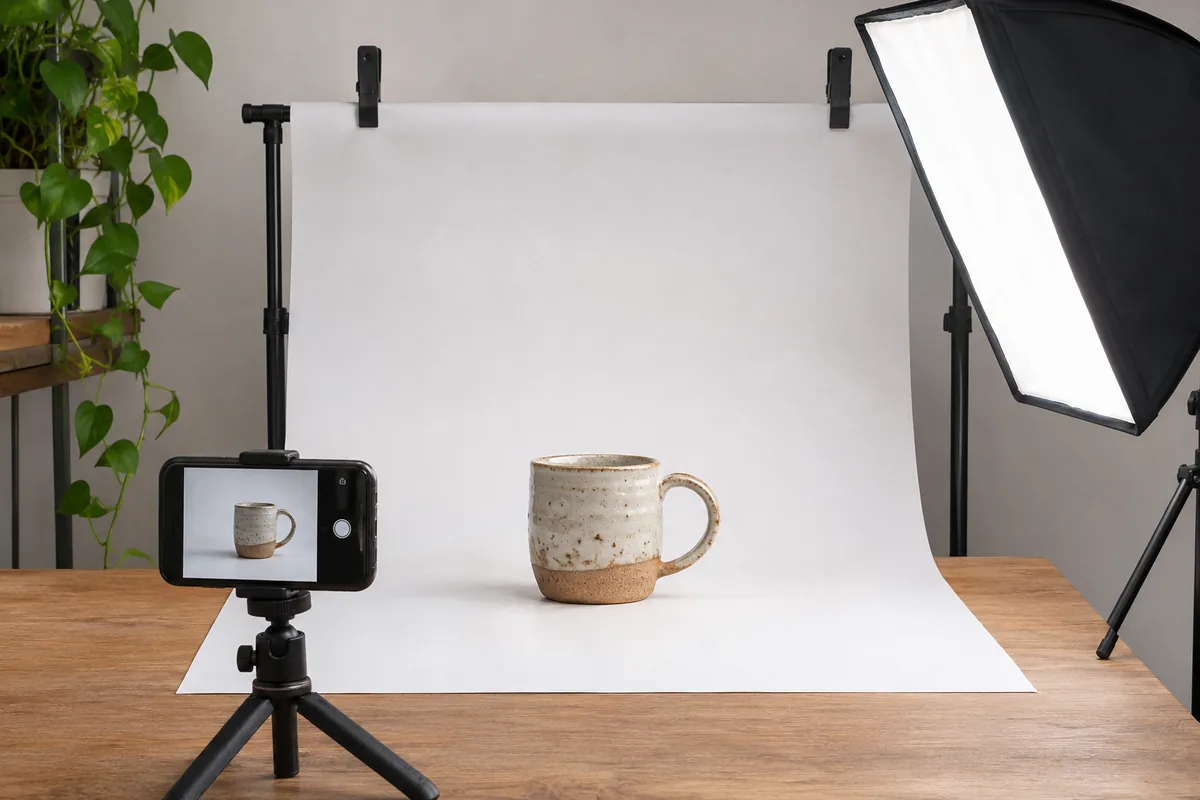
Good photography doesn't need a studio. A simple tabletop setup with a plain backdrop, soft light and a phone on a tripod is enough to start with. Keep the style consistent across the shop so it looks like one business.
Checkout, delivery and returns information
Checkout is where interest turns into an order. Keep it calm and simple:
- Show the total price, including delivery, before the customer commits.
- Offer guest checkout, so nobody has to create an account just to buy.
- Ask only for what you need to fulfil the order.
- Accept the payment methods your customers expect.
- Say what happens next, with a confirmation email and clear contact details.
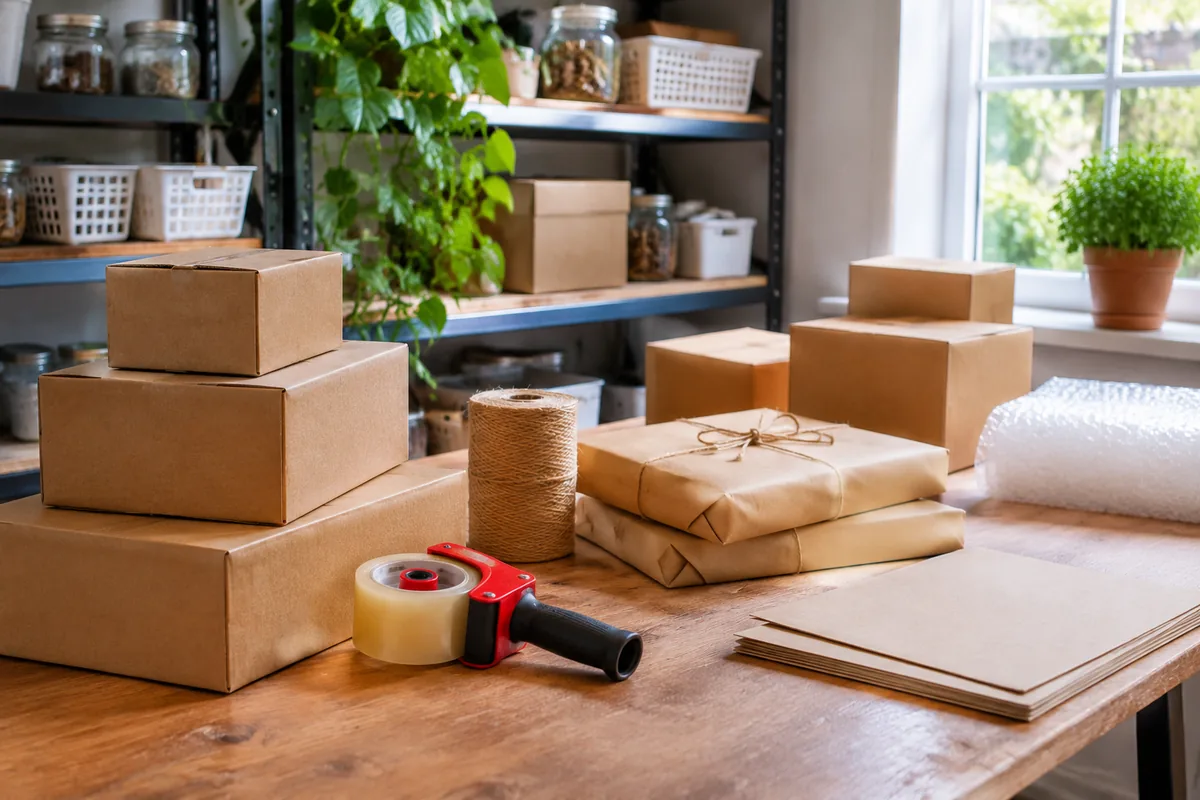
Delivery and returns information should be easy to find from product pages and the basket. Explain your delivery options, costs and typical dispatch times. If you offer local delivery zones or click-and-collect around Bristol, say exactly where and how it works. Explain your returns process in plain language.
Small improvements here often matter more than new traffic. Our guide to turning visitors into customers covers the thinking behind that.
Mobile-first design and page speed
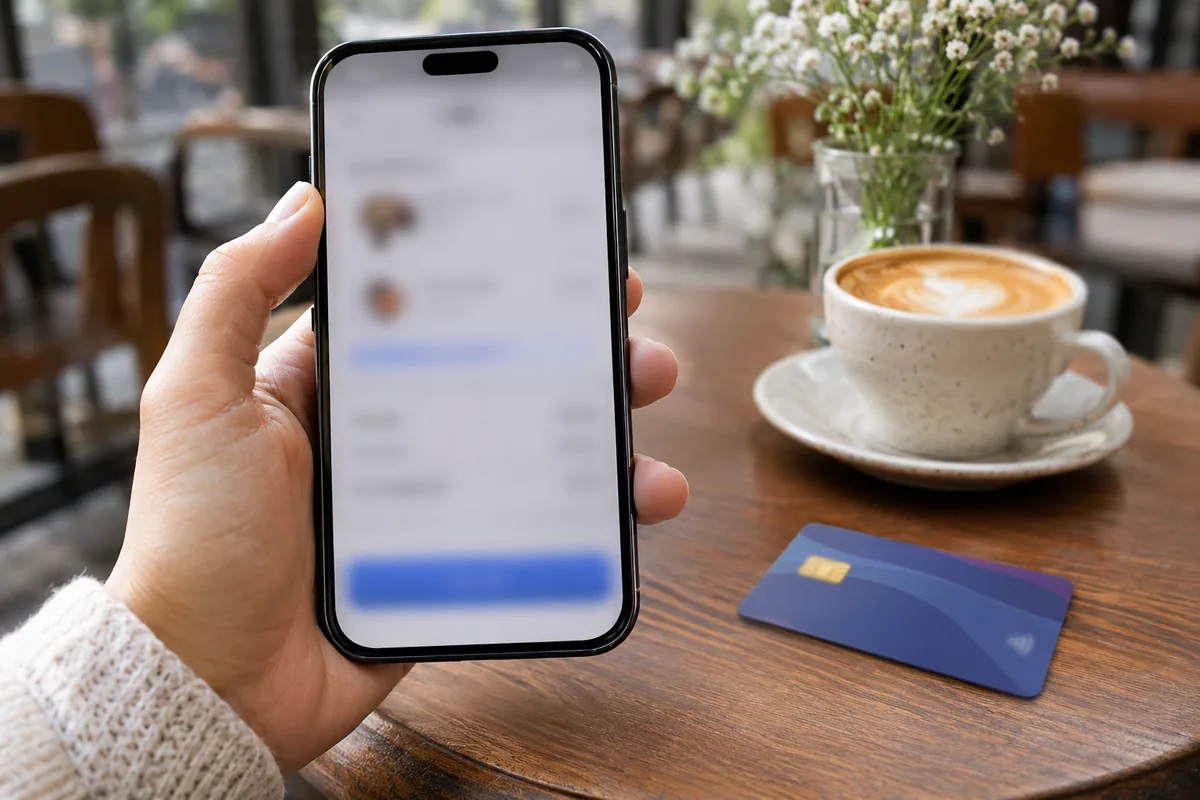
Many customers will visit on a phone, so design for the small screen first and adapt up to desktop. In practice that means:
- Buttons and menus big enough to tap comfortably
- Product photos that fit the screen without sideways scrolling
- A basket and checkout that work with one hand
- Readable text without zooming
Speed matters just as much. Compress images, avoid piling on apps and plugins, and ask your designer how they'll test performance on real devices. A slow page costs you visitors before they've seen a single product. This applies even more if you plan to send paid traffic, for example through Google Ads, because you're paying for every click.
Ecommerce SEO basics to build in from day one
It's much easier to build search visibility into a shop than to add it later. Make sure the build includes:
- Unique product descriptions. Don't copy manufacturer text that dozens of other shops also use.
- Clear page titles and meta descriptions for products and categories. Our free meta title generator can help you draft them.
- Clean, readable URLs and a logical category structure.
- Internal links between related products and categories.
- Structured data, so search engines can understand product details such as name, price and availability.
- Descriptive image names and alt text.
These basics give search engines something solid to work with, but they don't guarantee rankings. If you want a deeper look at the process, see our SEO services and our guide to SEO for small businesses.
Legal information UK shoppers must see
UK online shops have to give customers certain information. GOV.UK's online selling guidance says that before an order is placed you must:
- Make it clear that customers have to pay when they place an order, for example with a "pay now" button
- Show how customers can pay, plus delivery options and costs
- Be honest and transparent about sales promotions
- List the steps involved in placing an order
- Take reasonable steps to let customers correct errors in their order
- Let customers know what languages are available
- Make sure customers can store and reproduce your terms and conditions
- Give your email address, and your VAT number if you're VAT registered
GOV.UK's distance selling guidance adds more. You must also provide your business name, contact details and address, a description of the goods, and the price including all taxes. Delivery costs and how long goods will take to arrive are required too. So are details of how customers can cancel and when they lose the right to cancel.
That information must be easy to understand and given in a format the customer can save for future reference, such as on paper or in an email. If customers can cancel, GOV.UK also says you must provide a standard cancellation form.
Delivery timing has a default rule as well. After an order is placed, GOV.UK says you must deliver the goods within 30 days, unless you've agreed otherwise with the customer. If you expect delivery to take longer, for example for made-to-order items, agree and state that clearly before the customer buys.
Two other areas sit outside those selling pages. If your shop holds personal data such as names and email addresses, the ICO says you'll need a privacy notice, which is also known as a privacy policy. Its guidance on privacy notices and cookies for small organisations covers this. If your site sets cookies, visitors need to be told what they do, and cookies that aren't strictly necessary need the user's agreement. The ICO's guide to cookies and similar technologies explains the exception for cookies that are essential to a service the user has asked for, such as remembering what's in a basket. Check the latest guidance, or take professional advice, before you launch. This article is a checklist, not legal advice.
Extra features for B2B and trade shops
Selling to businesses brings different needs. Depending on your customers, consider:
- Trade accounts and logins, so approved buyers see their own pricing
- Quote requests for large or custom orders
- Bulk pricing displays, so buyers see how price changes with quantity
- Reorder tools, for customers who buy the same items regularly
- Clear business details, such as VAT information and account terms
Not every trade seller needs a login. If most customers place a few orders a year, a simple quote form may be enough. Talk through your real buying patterns with your designer before committing to extra complexity.
Questions to ask before you hire a web designer
Take these into your first meeting:
- Which platform do you recommend for my shop, and why?
- Who owns the site, the domain and the content once it's built?
- How will you build in SEO basics, such as titles, structured data and clean URLs?
- How will you test the site on phones and slower connections?
- Who handles updates, security and backups after launch?
- What's included in the quote, and what would count as extra?
- Can I add and edit products myself, and will you show me how?
- How will you help me meet the legal information requirements?
Clear, specific answers are a good sign. Vague answers deserve follow-up questions.
Frequently asked questions
What should an ecommerce website include?
At minimum: clear category and product pages, a simple checkout, delivery and returns information, mobile-friendly design, fast loading and the legal details UK shoppers must see. Search-friendly page titles and unique product descriptions should be built in from the start.
Is Shopify or WooCommerce better for a small UK business?
Neither is better for everyone. Shopify is hosted and easier to run. WooCommerce gives more control but needs ongoing maintenance. Choose based on your skills, your products and who will manage the shop.
What legal information must a UK online shop show?
Customers must be able to see how to pay, delivery options and costs, the total price, your contact details and, if registered, your VAT number. They also need to know their cancellation rights. See the GOV.UK online selling guidance for the full list.
How long does an ecommerce website take to build?
It depends on scope: the number of products, the platform, custom features and how quickly content and photos are ready. Ask your designer for a plan based on your actual requirements.
Do I need a B2B or trade login on my shop?
Only if different customers need different prices or ordering tools. If you sell to businesses occasionally, a quote request form may do the job.
How can I make my online shop rank on Google?
Build good foundations: unique product copy, clear titles, clean structure, internal links and structured data. Then keep improving the content. Nobody can promise rankings, but a well-built shop gives you the best chance.
Planning an online shop in Bristol?
If you're planning a new shop or rebuilding an old one, Linkedo can help you work through this checklist. Read about our ecommerce website development and our approach to digital marketing in Bristol, or get in touch to talk through your project. You can also call +44 7927 969991 any time.